WireGuard
Go to Remote Access>> VPN >> WireGuard to view and configure the WireGuard related settings.
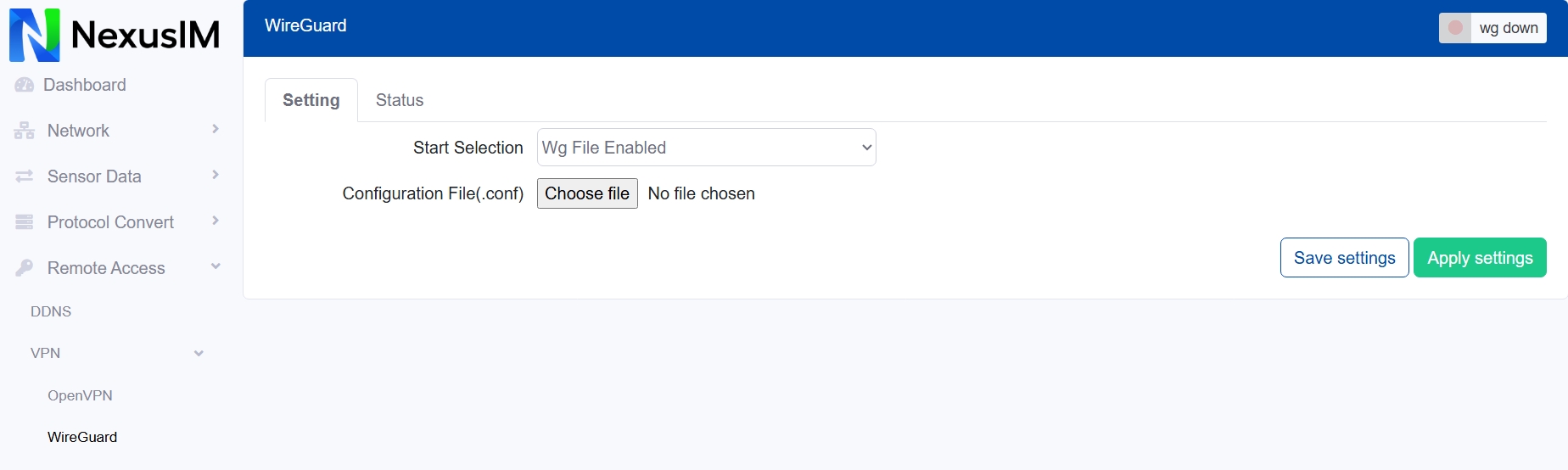
Enable/Disable the WireGuard feature on NexusIM gateway, the Start Selection provides two methods to configure the WireGuard connection,
-
Via config file upload, this requested you upload the WireGuard config file (.conf) to NexusIM gateway to setup it.
- Select the Wg File Enabled option
- Upload the config file (.conf) to NexusIM gateway
-
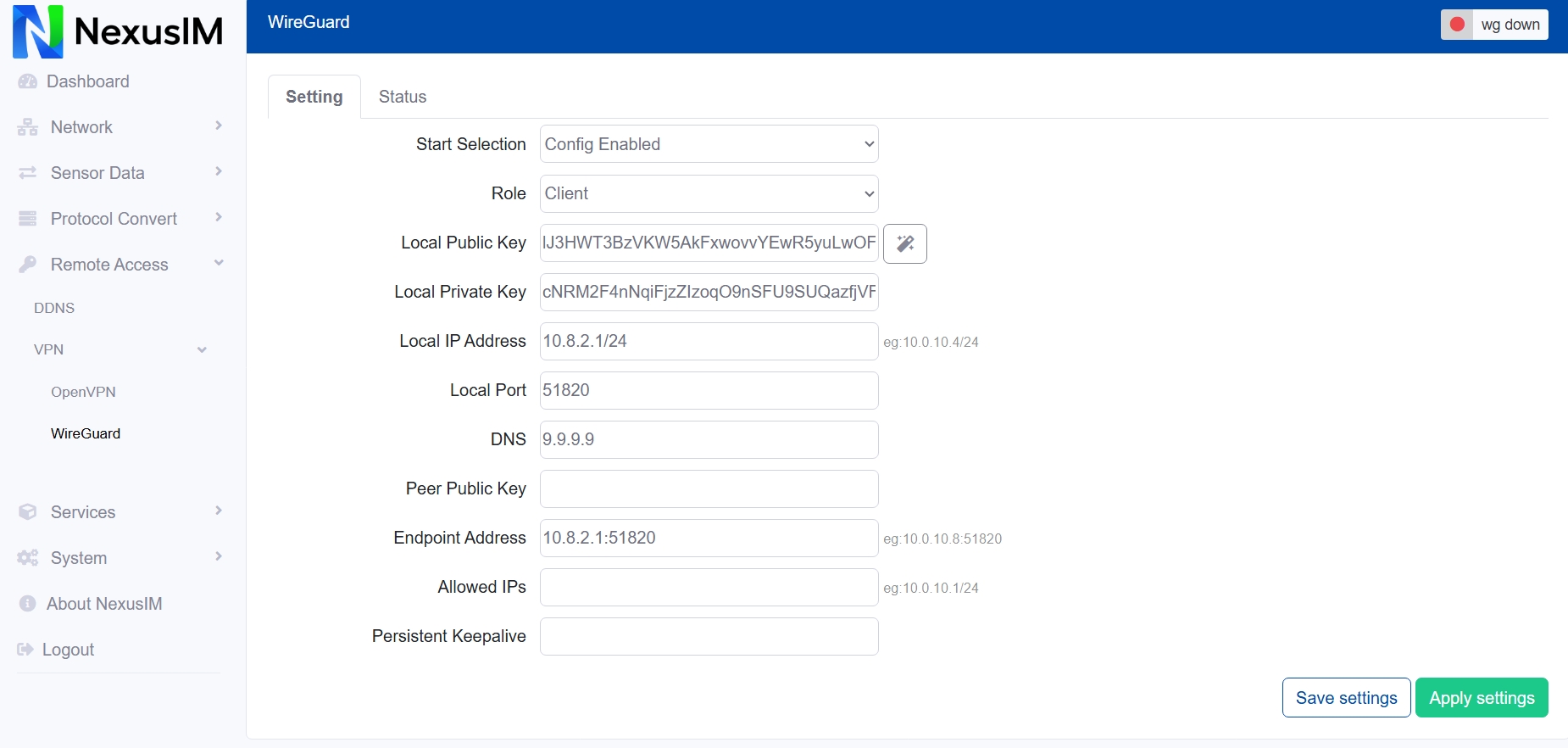
Via Config setting items, this request you configure the WireGuard related settings on webUI.
- Select the Config Enabled option to enable setting items
- Configure the Role of NexusIM Gateway act as, client or server
- Configure the Local public key, you can click the right icon to generate a random key
- Configure the Local IP address
- Configure the Local Port
- Configure the DNS server
- Configure the Peer public key
- Configure the End point IP address with port, eg:10.0.10.8:51820
- Configure the Allowed IP segment, eg:10.0.10.1/24
- Configure the Persistent keep alive interval
After finished the settings, Save and Apply settings, you can check the WireGuard connection status at “Status” menu.