Interfaces
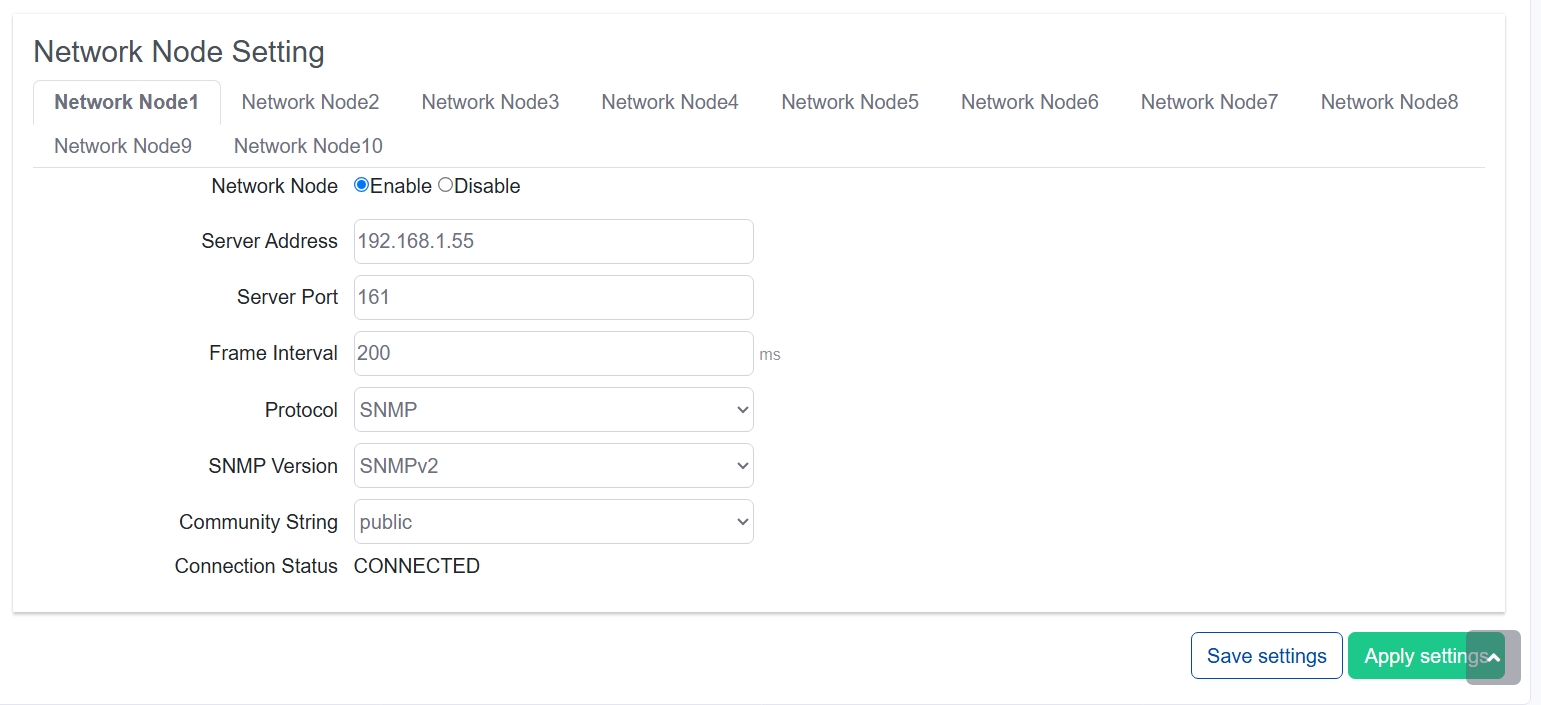
Interfaces setting refers to the peripheral hardware interfaces on NexusIM gateway that for Southbound devices connect on. Including RS485/RS232 COM ports, Ethernet ports, and IO (IO settings locate at Sensor Data>>Devices and Rules>>IO).
Go to Sensor Data>>Interfaces to view and configure the interface related settings.
Serial Port Setting Serial Port refers to the peripheral RS485 (A-pin, B-pin), and RS232 (TX-pin, RX-pin, GND-pin) port on NexusIM gateway. Serial port settings related to Baud rate, Data bit, Stop bit, communication protocol, and other parameters setting.
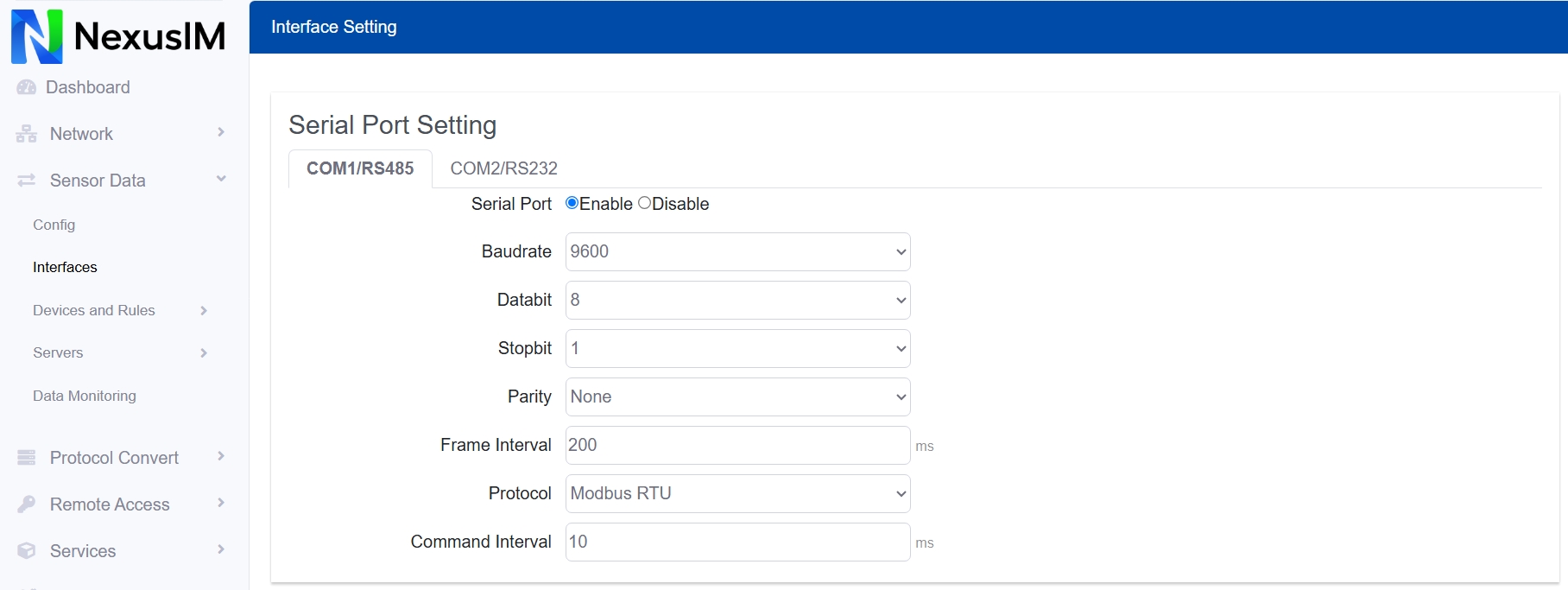
- Select the specific Serial COM port to operating. Different models have different COM ports number, for example NXG3 has 2xCOM (COM1-RS485, COM2-RS232), EG324 has 4xCOM (COM1-RS485, COM2-RS485, COM3-RS232/485, COM4-RS232/485).
- Enable / Disable the COM port, the default is Disable
- Configure the Baud rate of the COM port
- Configure the Data bit of the COM port
- Configure the Stop bit of the COM port
- Configure the Parity of the COM port
- Configure the Frame Interval of the COM port, default is 200ms Frame Interval is the minimum time gap between two consecutive frames of data for controlling the pace and accuracy of data transmission.
- Configure the COM port communication protocol, options are:
- Modbus
- Transparent (no protocol)
- FX (The Mitsubishi FX series PLC protocol)
- MC (The Mitsubishi Q series PLC protocol)
- ASCII protocol
- DNP3 protocol
- Configure the Command interval