Modbus Slave
The NexusIM gateway can act as a Modbus slave for a northbound Modbus master, such as a SCADA system. The master can read data collected from southbound devices through the Tags configured in Devices and Rules. Both Modbus TCP and Modbus RTU are supported.
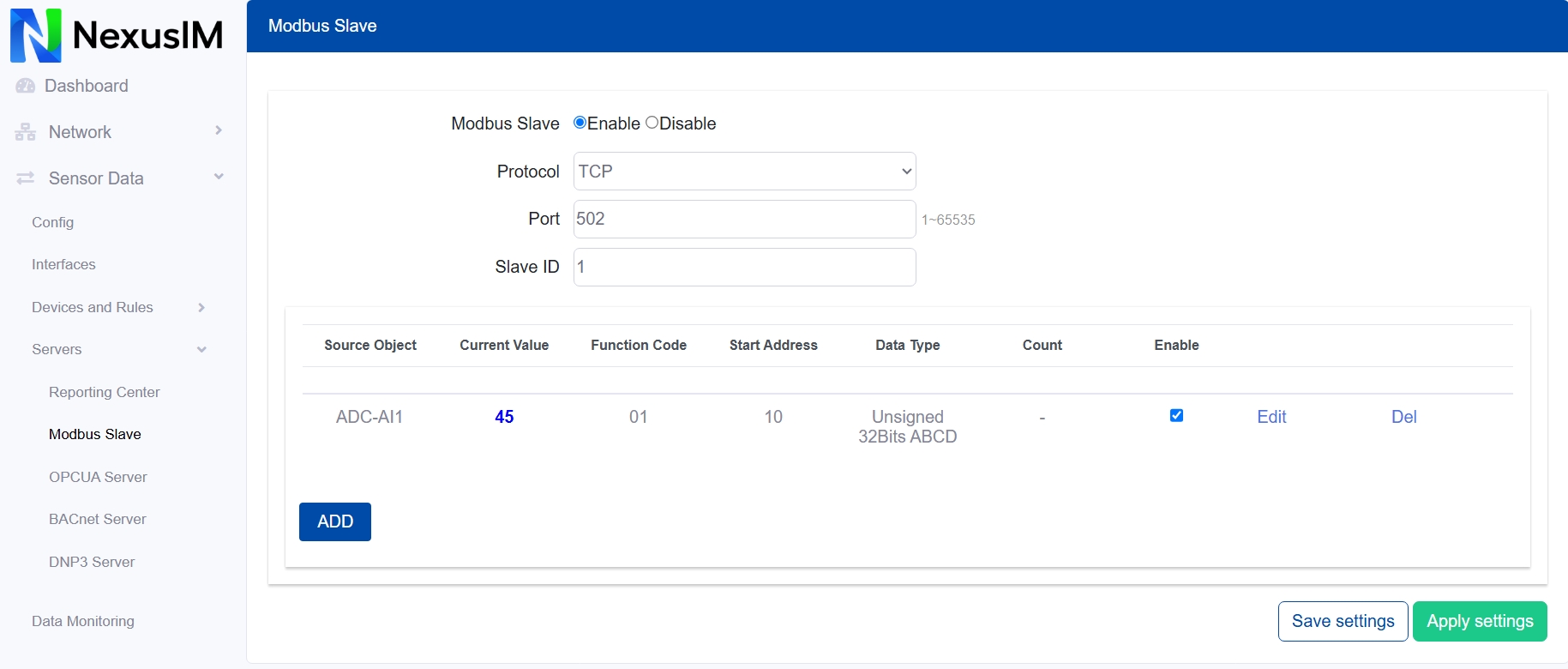
-
Enable or disable the Modbus Slave feature.
-
Select the communication protocol:
-
Modbus TCP: configure the TCP port.
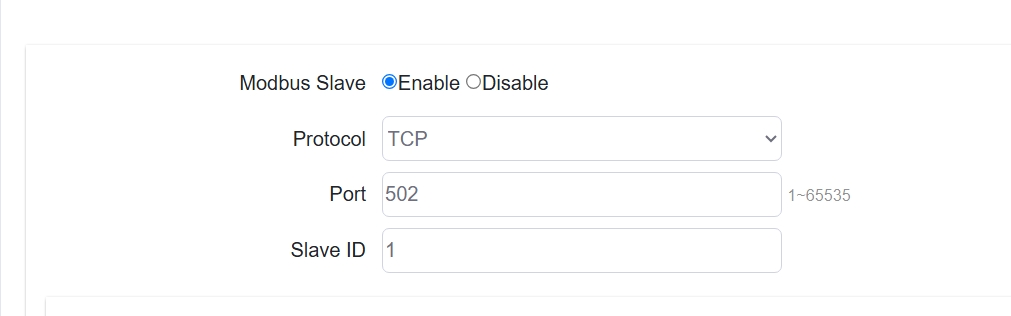
-
Modbus RTU: configure the serial communication parameters, including interface, baud rate, data bits, stop bits, and parity.
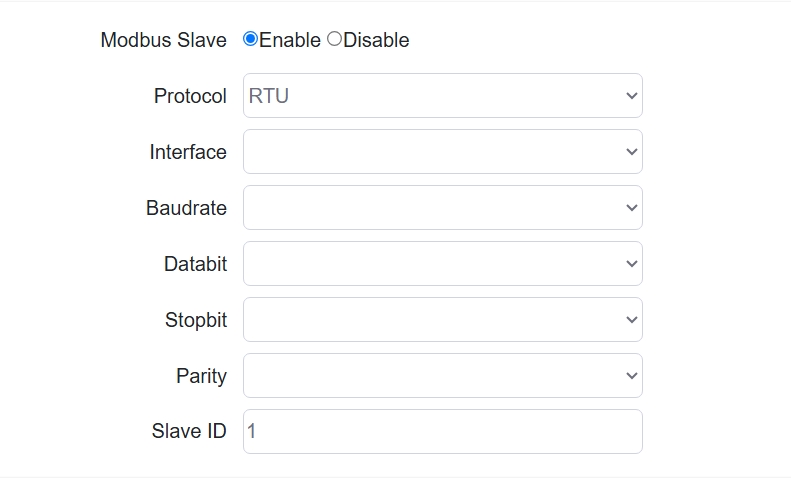
-
-
Configure the Modbus Slave ID.
-
Configure Modbus Slave points for Tags. Each point acts as a virtual register map.
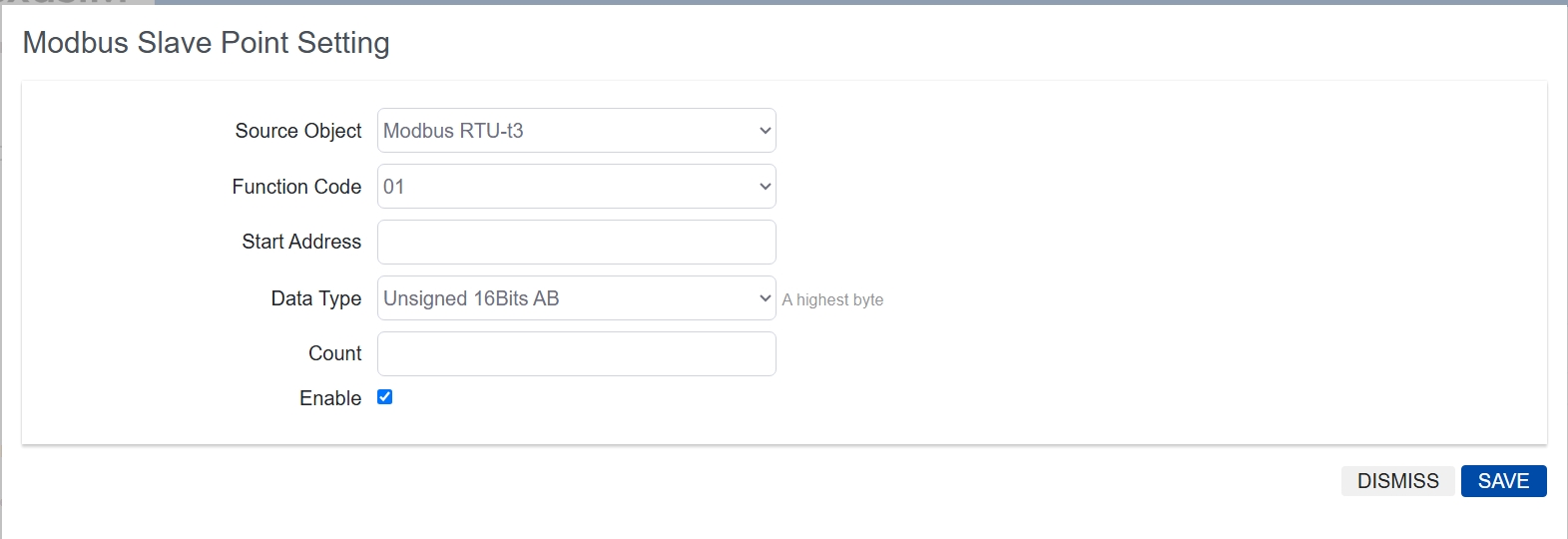
- Select the source object. Source objects are data with Tags collected through Devices and Rules and are listed in the drop-down menu.
- Configure the function code:
01Read Coils,02Read Discrete Inputs,03Read Holding Registers, or04Read Input Registers. - Configure the start address.
- Configure the data type.
- Configure the read quantity.
- Enable or disable the Modbus Slave point.
After configuration, the NexusIM gateway is ready to provide the mapped data to a Modbus master.