Node-Red
Node-RED is a flow-based, low-code programming tool designed for IIoT, integration, and automation applications. It enables users to quickly create workflows by dragging, dropping, and connecting nodes, which is useful for device control, data processing, and API integrations.
In Node-Red, you are free to install and configure nodes based on your needs. For details on how to use Node-Red, refer to the official Node-Red documentation.
note
You may need to call certain peripheral interfaces of the NexusIM gateway in a Node-Red program. Check the NexusIM hardware guide for more information.
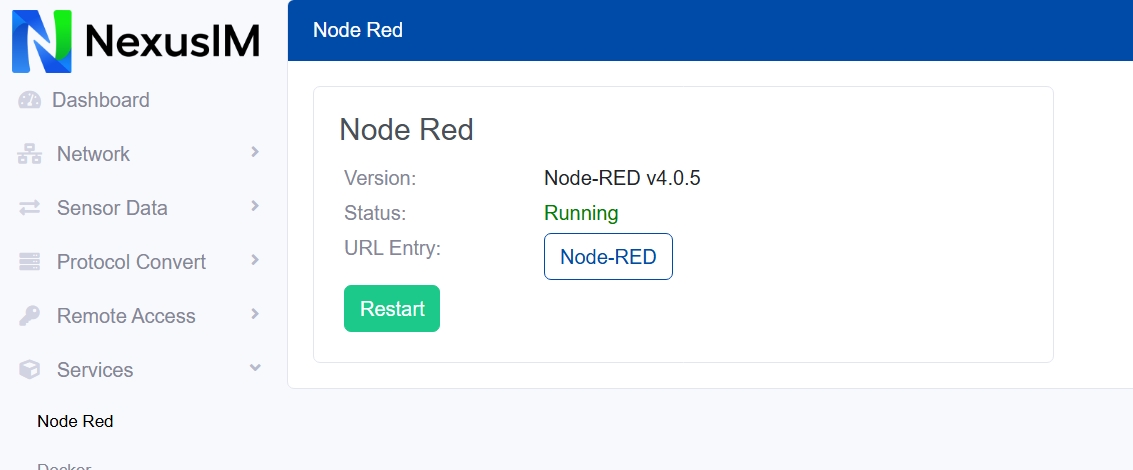
- Check the Node-Red version and its status (running or stopped) on the NexusIM gateway.
- Click the Node-Red button to open the Node-Red web portal. It is running on
http://<gateway_ip>:1883. The default Node-Red login username/password isadmin/admin123. - Click the Restart button to restart Node-Red.